01Free
EMI with sliders
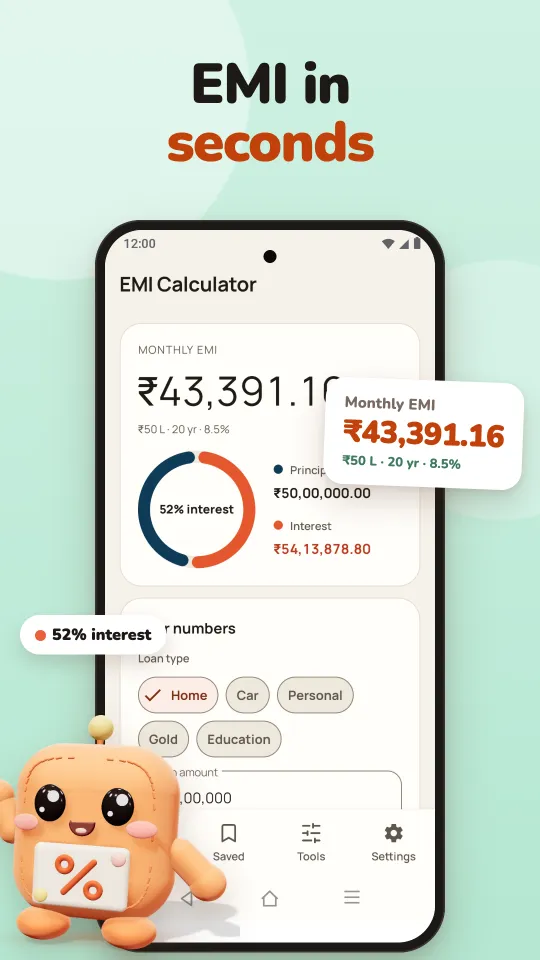
Move the sliders for amount, rate and tenure, in years or months. A live donut shows the EMI, total interest and total payment. Loan type chips fill in a typical rate and tenure to start from.
EMI Calculator for Android
Home, car and personal loans: set the amount, interest rate and tenure, and the monthly EMI, total interest and total payment update as you go, with a year-wise schedule below.
Free on Google Play · works offline · no account
Try it in your browser
Pick a loan type, move the sliders and read the EMI, the interest split and a year-wise schedule. The amounts and rates you type stay in this browser.
Monthly EMI
—
—
How much of each year’s EMIs goes to principal and to interest.
| Year | EMIs paid | Principal | Interest | Balance |
|---|
Your numbers stay on this device. Results are estimates, not financial advice.
App features
The Android app runs the same numbers and keeps your loans on your phone.
Move the sliders for amount, rate and tenure, in years or months. A live donut shows the EMI, total interest and total payment. Loan type chips fill in a typical rate and tenure to start from.
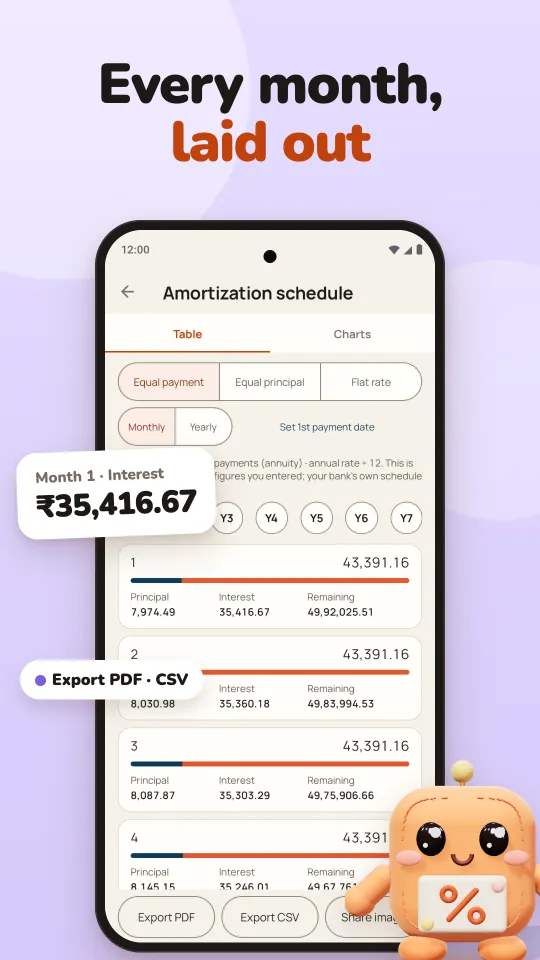
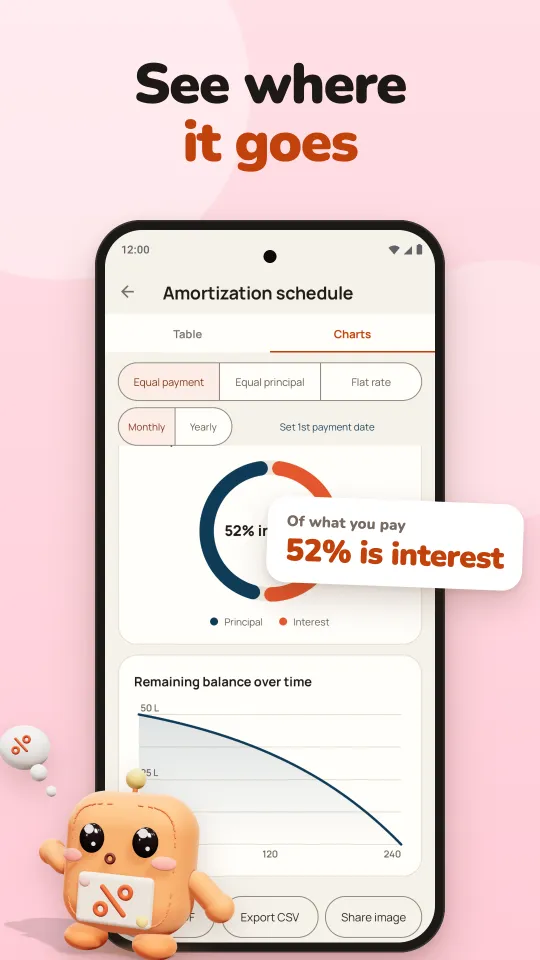
Principal, interest and balance for every year of the loan, with a balance chart.
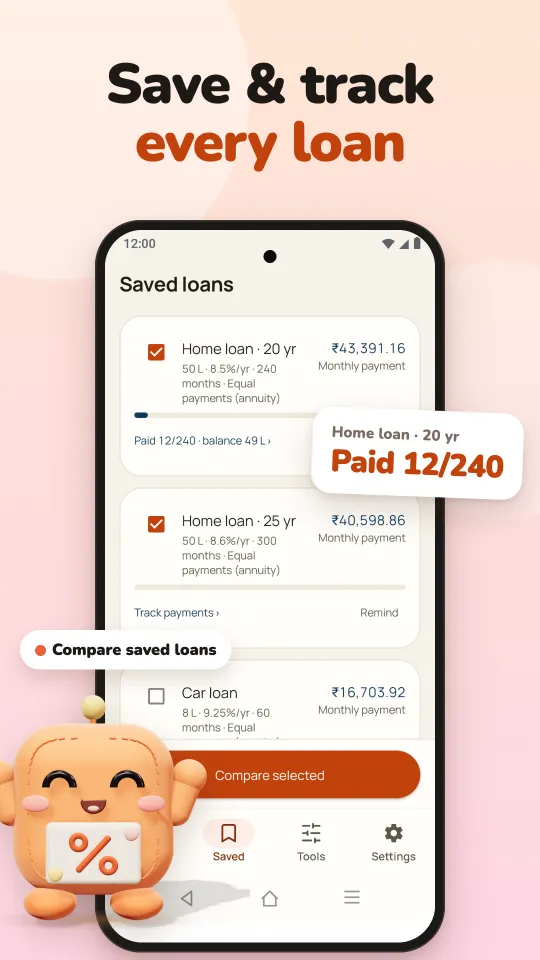
Save up to 3 loans, mark EMIs as paid, set reminders and add a home screen widget.
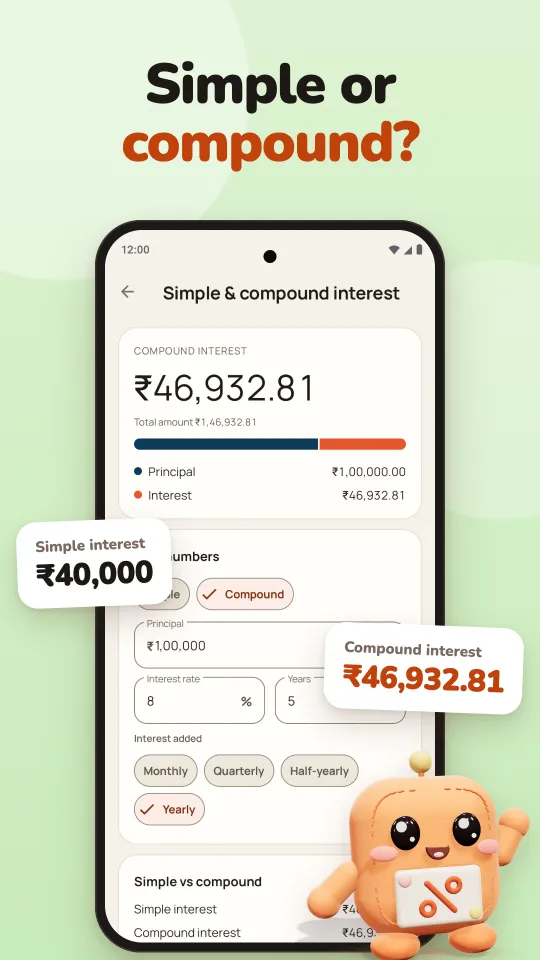
See what a “no-cost” EMI offer adds compared with paying cash, and work out simple and compound interest.
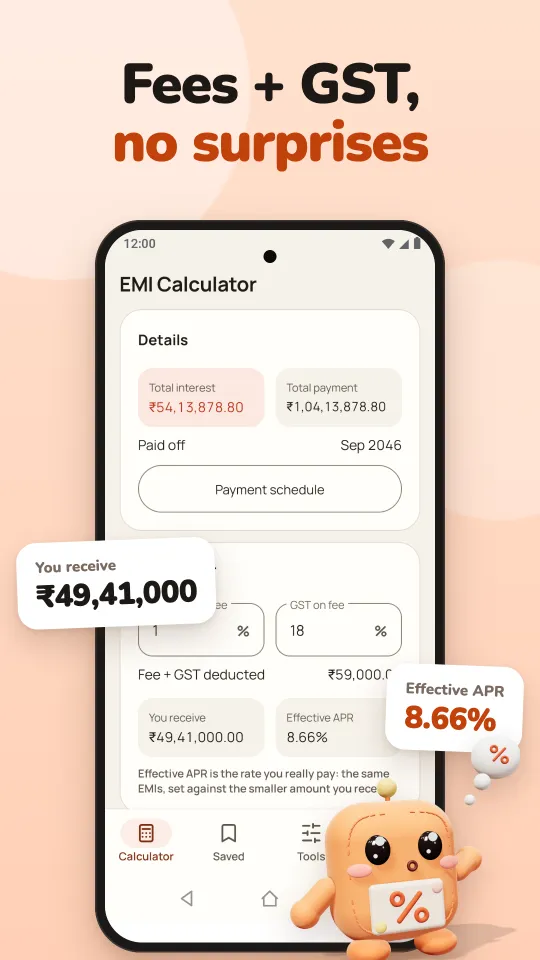
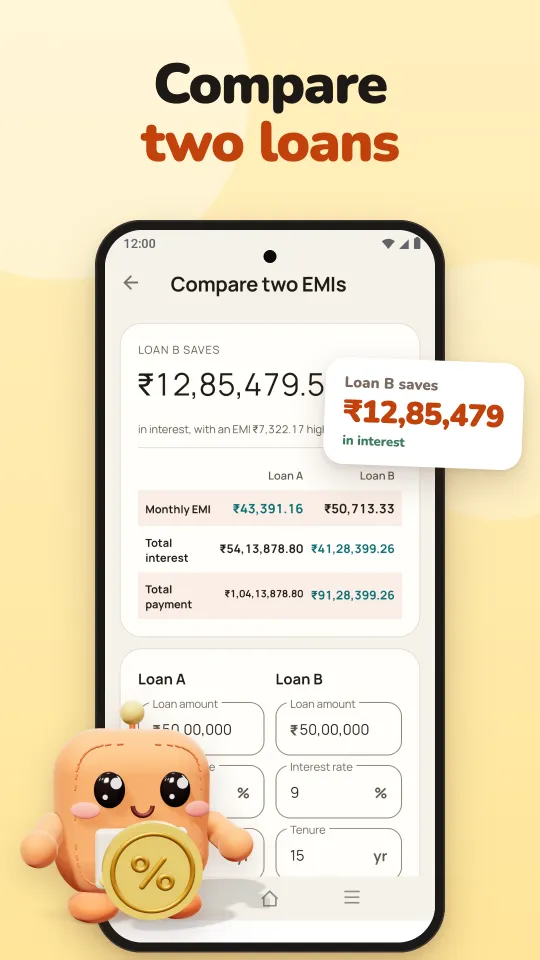
Add the processing fee with 18% GST, see part-payment savings and compare two loans. Pro, or 24 hours with a credit.
See the largest loan your income supports, and whether a part payment should cut your EMI or your tenure.
Model rate changes alongside part-payments, and check whether prepaying the loan beats putting the money in a SIP.
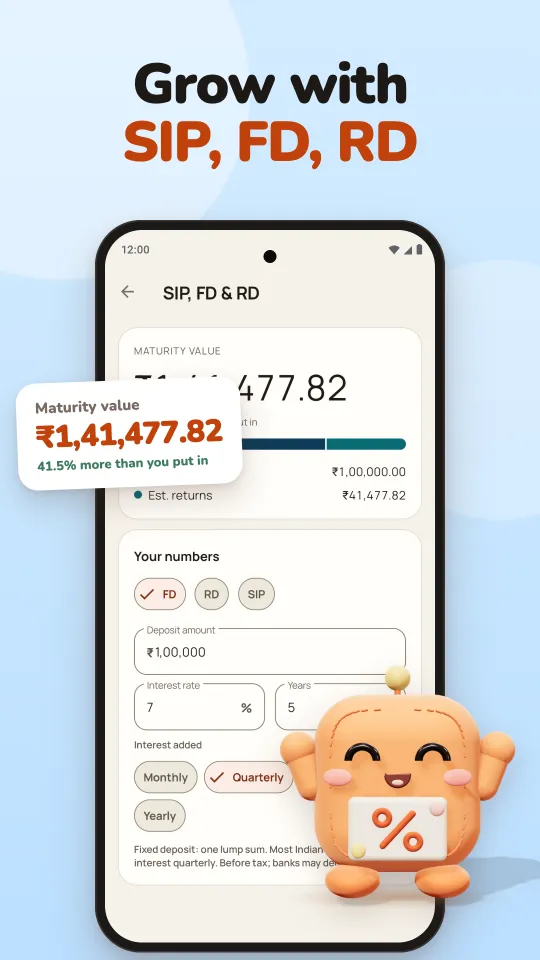
Plan savings next to your loans, and check a refinance or balance transfer.
Estimate deductions under Section 24(b) for interest and 80C for principal, under the old regime for a self-occupied home.
The EMI, schedule, saved loans, reminders, widget and PDF (with a watermark) are free. Pro, as a lifetime purchase or a monthly or 3-month plan, opens every tool and adds Excel and CSV export, unlimited loans, backup and app lock. Or use a credit: you start with 5, and each opens a Pro tool for 24 hours.
Screenshots
How it works
Type the loan amount, interest rate and tenure, or pick a loan type to start from typical values.
The monthly EMI, total interest and total payment update as you move the sliders.
Check the schedule, then use the app to add fees, compare offers and track every EMI you pay.
FAQ
EMI = P × r × (1 + r)ⁿ ÷ ((1 + r)ⁿ − 1), where P is the loan amount, r is the yearly rate ÷ 12 ÷ 100 and n is the tenure in months. Interest is charged on the reducing balance, so early EMIs are mostly interest.
They fill in a typical interest rate and tenure to start from. Change either one to match the offer you have.
No. This page shows the EMI on the loan amount. The Android app can add a processing fee with 18% GST (Pro, or 24 hours with a credit).
It is an estimate for comparison, not a loan offer. Your lender’s EMI can differ because of rounding, the date of your first EMI, fees and rate changes on a floating-rate loan. FightTech is not a lender.
Processing fee with 18% GST, SIP, FD and RD calculators, part-payment, comparing two loans, and refinance or balance transfer, plus saved loans, reminders and a widget. Pro is a one-time lifetime purchase or a monthly or 3-month plan; each credit opens a Pro tool for 24 hours, and you start with 5.
No account, on this page or in the app. The calculator here runs in your browser, the app works without a signal, and your loans stay on your phone.

EMI Calculator for Android: home, car and personal loans, with SIP, FD and RD tools.
